Your Dining Table Has Three Monitors on It. Your Partner Is on a Zoom Call in the Bedroom. Something Has to Change.
We moved a couple from a 1-bed in JLT to a 2-bed in Al Furjan last September. Both worked hybrid — three days at home, two in the office. Their kitchen table had become a permanent workstation, cable management was done with masking tape, and video calls meant one person hiding in the bathroom for privacy. The extra AED 22,000/year in rent? They said it paid for itself in sanity within the first month.
That couple isn't unusual. With over 60% of UAE businesses operating hybrid or remote-first, Dubai's housing market is adjusting. People aren't just looking for bedrooms and bathrooms anymore — they're looking for functional workspace. And that's triggering a wave of moves that has nothing to do with rent increases or changing neighbourhoods.
The Space Calculation Most People Get Wrong
A "home office" isn't a desk in the corner. Not if you're working there 8 hours a day, 3-5 days a week. Here's what a proper WFH setup actually needs:
- Minimum floor area: 6 sqm (about 65 sqft) for a desk, chair, monitor, and movement space
- Door that closes: Essential for video calls, concentration, and the psychological boundary between work and life
- Natural light: A window. This isn't a luxury — it's a productivity and mental health necessity
- Electrical capacity: 3-4 outlets minimum for monitor, laptop, charger, desk lamp
- Internet proximity: Close enough to the router for stable connection, or a powerline adapter setup
That second bedroom you're eyeing? Measure it. Many "2-bed" apartments in Dubai have a second room that's barely 8 sqm — functional as an office but tight. Others, particularly in newer communities like Al Furjan and DSO developments, have larger second bedrooms that work beautifully as dedicated offices.
The Break-Even Math: Spare Room vs Coworking
This is the calculation that convinces people. Upgrading from a 1-bed to a 2-bed in the same community typically costs:
| Community | 1-Bed Avg Rent | 2-Bed Avg Rent | Annual Difference |
|---|---|---|---|
| JVC | AED 55,000 | AED 75,000 | AED 20,000 |
| Al Furjan | AED 60,000 | AED 85,000 | AED 25,000 |
| DSO | AED 45,000 | AED 60,000 | AED 15,000 |
| The Greens | AED 65,000 | AED 90,000 | AED 25,000 |
| Discovery Gardens | AED 38,000 | AED 52,000 | AED 14,000 |
Now compare that to coworking.
A dedicated desk at a Dubai coworking space runs AED 1,500-3,500/month depending on location (DIFC spaces are at the top, Barsha Heights at the bottom). That's AED 18,000-42,000/year.
So the 2-bed upgrade in DSO (AED 15,000 more per year) is literally cheaper than the cheapest coworking desk. In JVC, you're saving AED 0-22,000/year compared to coworking. In Al Furjan, it's roughly break-even with mid-range coworking.
And the spare room is always there. Evenings. Weekends. The coworking desk has operating hours.
Which Communities Work Best for WFH
Not all Dubai neighbourhoods are created equal for remote work. We've moved enough home-workers to know what matters:
Top picks for WFH residents
Dubai Silicon Oasis: Excellent internet infrastructure (it's literally a tech zone), quiet residential clusters away from road noise, walking-distance cafes for lunch breaks, and the most affordable 2-bed rents on this list. The catch? It feels isolated if you don't drive.
Al Furjan: Newer buildings with good soundproofing, Metro access (for the days you go to the office), and a growing retail strip for coffee breaks. Some newer buildings have co-working lounges in the amenity floor.
The Greens: Mature community with established cafes, a quiet residential feel, and thick walls that block out neighbour noise. Walking distance to Media City and Internet City for the days you commute.
JVC: The value play. Affordable 2-beds with dedicated rooms big enough for a proper office. But construction noise is a real factor in some clusters — visit during working hours before signing a lease.
Communities to think twice about for WFH
Dubai Marina: Beautiful, but construction noise from surrounding developments, tourist foot traffic, and the general buzz make it harder to concentrate from home. Walls in older towers are thin.
Business Bay: Ironically, many Business Bay apartments have poor WFH environments. Sound carries between units, construction is ongoing, and the canal-facing apartments get significant glare in the afternoon.
The Video Call Test (Do This Before Signing)
Here's a tip most people skip: visit the apartment during working hours. Specifically, between 10 AM and 2 PM on a weekday. Sit in the room you'd use as an office. Listen.
- Can you hear construction? (Check for active building sites within 500m)
- Can you hear the corridor or neighbours? (Test door and wall thickness)
- Can you hear road traffic? (Face-facing units in towers near major roads are worst)
- How's the light? (East-facing rooms get morning glare, west-facing gets afternoon heat)
Then test the internet. Run a speed test on your phone using the building's WiFi (ask the agent or existing tenant). You need minimum 50 Mbps download for stable video calls with screen sharing. Most du/Etisalat home packages deliver this, but older buildings sometimes have infrastructure limitations.
Moving Your Home Office: The Equipment That Needs Special Care
This is where the move gets specific. Your WFH setup includes equipment that standard movers might not handle correctly:
- Standing desks: Electric standing desks (Flexispot, IKEA BEKANT) have motors and electronic controls. They need to be transported flat, not tilted, and the motor housing shouldn't bear weight from other items stacked on top.
- Monitor arms: Clamp-style monitor arms leave marks on desks if removed roughly. Our teams loosen the clamp gradually and pad the desk edge. Reattachment at the new desk takes 10-15 minutes per arm.
- Ergonomic chairs: Herman Miller, Steelcase, and similar chairs are expensive and have adjustable mechanisms that can be damaged in transit. We wrap these individually and transport them upright.
- Monitors: 27"+ monitors need individual padding. Original boxes are ideal — if you don't have them, our packing team uses double-walled boxes with foam corners.
Label every cable. Photograph your desk setup — the exact cable routing, monitor position, and peripheral placement. You'll thank yourself when you're trying to recreate the setup at midnight in the new apartment.
Internet Setup: Don't Wait Until Move Day
If you work from home, internet isn't a nice-to-have — it's infrastructure. Book your du or Etisalat transfer at least 1 week before your move. Same-day transfers exist but aren't guaranteed, and a day without internet when you have client calls is a career problem.
For WFH-heavy households, consider:
- Business-grade package: du Business Infinite or Etisalat Business Pro. More expensive (AED 600-900/month vs AED 389 for home), but with guaranteed uptime SLAs and faster support response.
- Backup connection: A 5G mobile data plan as failover. Etisalat and du both offer 5G data SIMs from AED 200/month with generous data caps.
- Mesh WiFi: If your office is far from the router, invest in a mesh system. A 2-bed apartment usually doesn't need it, but a 3-bed or villa might.
The Move Itself
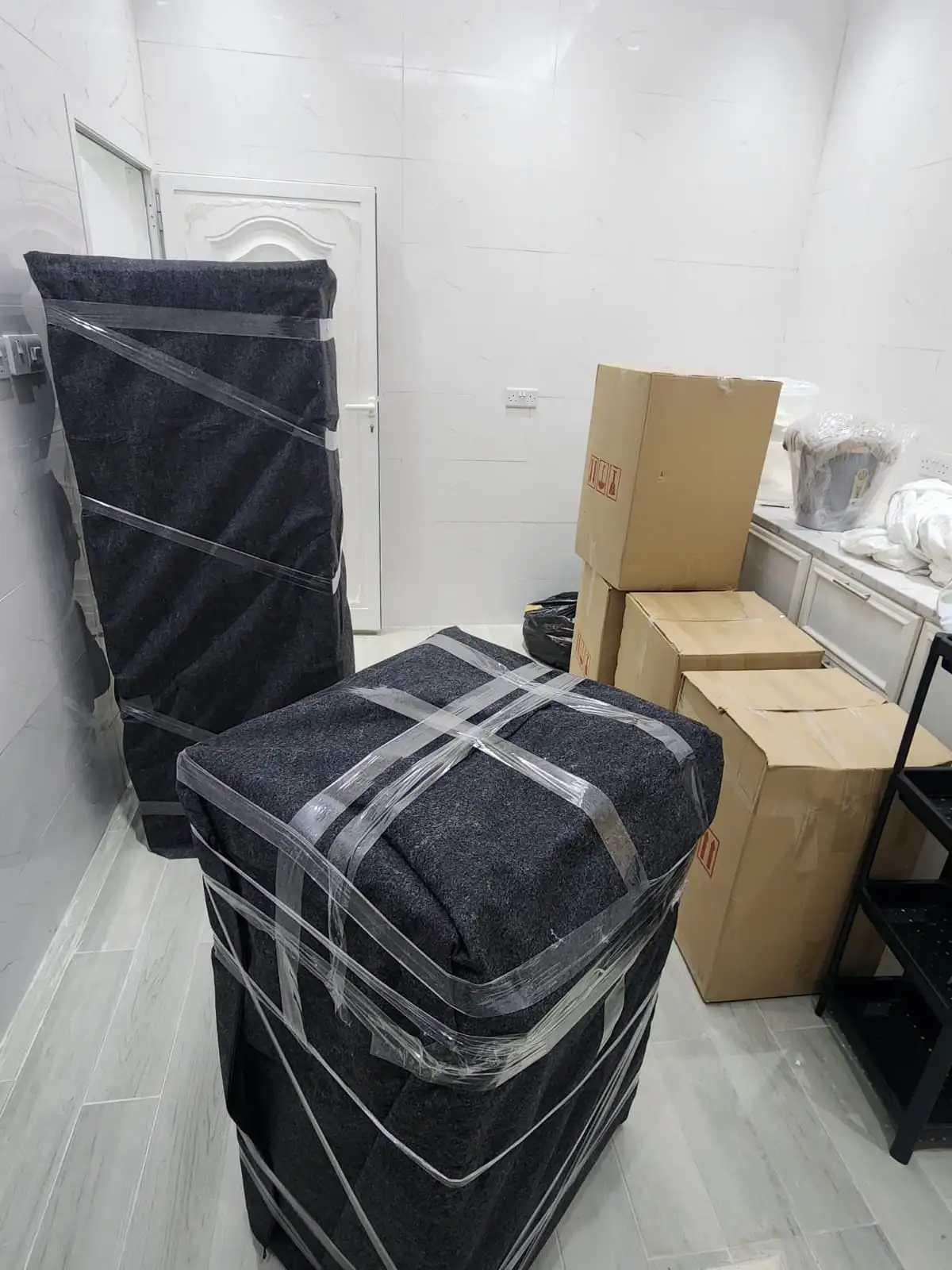
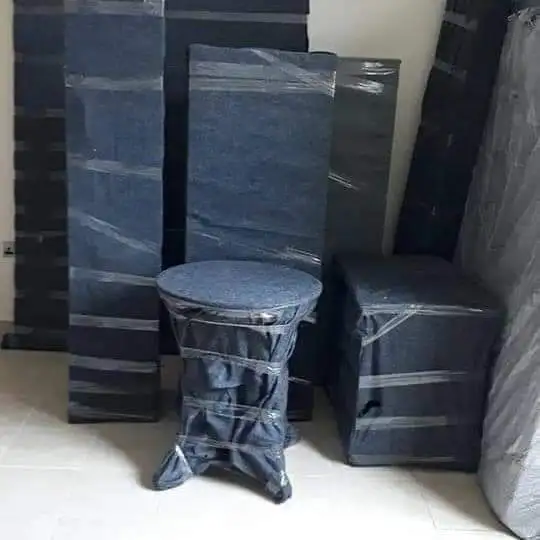
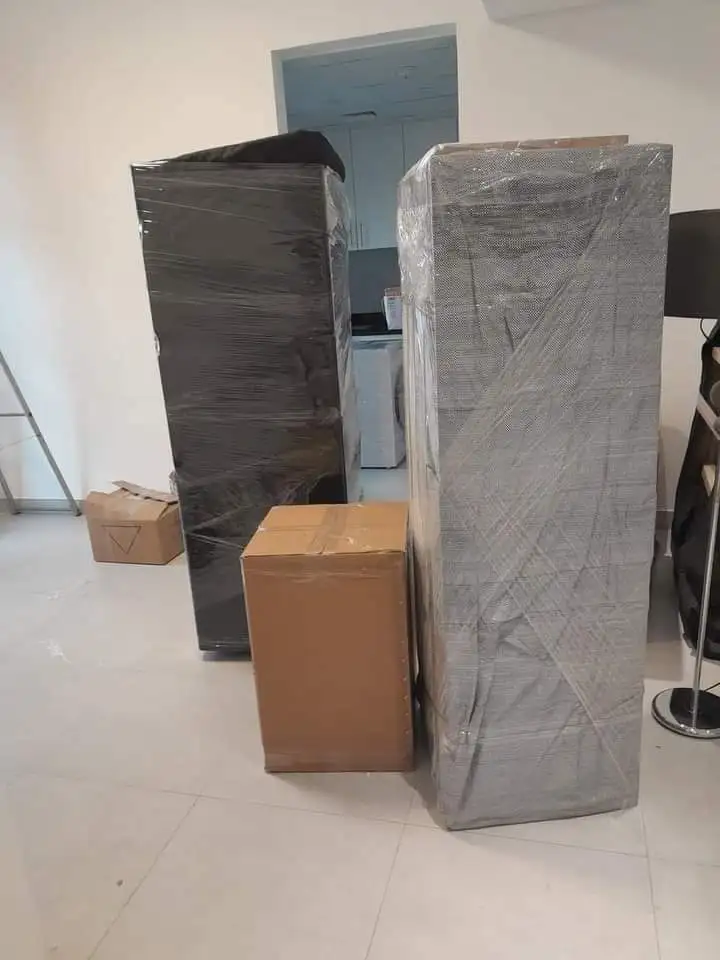
An apartment-to-apartment upgrade for WFH is typically a straightforward move with one extra consideration: the IT equipment. Budget:
- 1-bed to 2-bed (same community): AED 1,200-1,800
- 1-bed to 2-bed (different community): AED 1,800-2,800
- IT equipment packing add-on: AED 300-500
Schedule the move for Thursday evening or Friday so you have the weekend to set up the office and test everything before Monday's calls. We've had clients try to move on a Sunday and reconstruct their office setup the same evening — it's doable but stressful.
Planning your WFH upgrade? Get a free estimate and mention you have a home office setup — we'll assign a crew experienced with IT equipment handling.
Frequently Asked Questions
Is it cheaper to upgrade your apartment or use coworking in Dubai?
In most Dubai communities, upgrading from a 1-bed to a 2-bed apartment is cheaper than a coworking desk. The upgrade costs AED 14,000-25,000/year more in rent, while a dedicated coworking desk runs AED 18,000-42,000/year. DSO and Discovery Gardens offer the cheapest upgrades at AED 14,000-15,000 annually.
Which Dubai communities are best for working from home?
Dubai Silicon Oasis, Al Furjan, The Greens, and JVC rank highest for WFH residents. Key factors include internet infrastructure quality, ambient noise levels during work hours, available 2-bed apartments with proper office space, and walking-distance amenities for breaks. Visit apartments during weekday working hours to test noise before signing.
How do you move a standing desk safely?
Electric standing desks should be transported flat (not tilted) to protect the motor and electronic controls. Remove the desktop from the frame if possible, wrap the motor housing in protective padding, and avoid stacking heavy items on top. Professional movers charge AED 300-500 extra for dedicated IT equipment handling including standing desks, monitors, and ergonomic chairs.