Your Smart Home Is Smarter Than Your Moving Plan
Forty-seven devices. That's what the average smart home in a new-build Dubai apartment has connected to a single WiFi network. Smart locks on the front door. Motorized blinds in every room. A Zigbee hub controlling light scenes. Multi-room Sonos scattered across four rooms. Security cameras watching the entrance and the maid's room. A smart thermostat that's learned your preferred 22°C sleeping temperature over the past year.
And on moving day, most people's plan for all of it is "unplug everything and figure it out later." That's how you end up spending three weekends re-pairing devices, factory-resetting locks that won't connect to the new WiFi, and losing automation routines you spent months perfecting.
We've coordinated smart home relocations with families in Sobha Hartland, Emaar Beachfront, and Dubai Hills. The tech part takes more planning than the furniture.
Before You Touch Anything: The Documentation Phase
This isn't optional. Spend two to three hours documenting your entire setup before moving day. Here's exactly what to capture:
Network Configuration
Open your router's admin page and screenshot everything. Your WiFi SSID and password (obvious), but also: DHCP reservations for devices with static IPs, any port forwarding rules for security cameras or NAS drives, your DNS settings if you're running Pi-hole or a custom DNS, and the MAC addresses of devices that use MAC filtering. Export the configuration file if your router supports it — most Ubiquiti, TP-Link, and ASUS routers do.
Why this matters: if you set up your new router with the same SSID and password, roughly 70% of your devices will reconnect automatically. Change the network name and every single device needs manual reconfiguration.
Hub and Bridge Inventory
List every hub in your home. Common ones in Dubai properties:
- Philips Hue Bridge: Controls all Hue lights and connected accessories. Back up scenes and routines through the Hue app.
- SmartThings Hub / Aeotec: If you're running Samsung SmartThings, your automations are cloud-based — they'll survive the move. But Zigbee/Z-Wave device pairings won't.
- Apple HomePod / Apple TV: Your HomeKit hub. Automations survive if linked to iCloud, but response times depend on the hub's new location relative to accessories.
- Zigbee/Z-Wave dongles: If you're running Home Assistant on a Raspberry Pi, back up your full configuration before unplugging. That Zigbee network map took months to stabilize.
Smart Lock Documentation
This is the one people forget until they're locked out. If you have a Yale, August, or Igloohome smart lock on your current apartment, check your lease. In many Dubai buildings, the smart lock was installed by the landlord and stays with the property. If it's yours, document the model number, note which app controls it, and export any access codes or digital keys.
Critical: deregister your smart lock from your old property. If you leave a connected Yale lock paired to your phone on someone else's front door, that's a security issue — and potentially a legal one. Factory reset the lock before you leave, or at minimum remove all user access codes and digital keys.
What Stays and What Goes
Here's the conversation most tenants forget to have with their landlord before moving:
- Stays: Built-in motorized blinds (Somfy systems in most new builds), wired-in smart switches (typically Lutron or Legrand), central AC thermostats, and any hardwired security camera system.
- Goes with you: Portable smart speakers, plug-in cameras (Ring, Arlo, Eufy), smart plugs, standalone hubs, robot vacuums, and any device you purchased separately.
- Grey area: Smart door locks, stick-on sensors, aftermarket smart light switches. If you replaced the landlord's basic switch with a Sonoff smart switch, replace it with the original before moving out or risk losing your security deposit.
Move Day: The Right Disconnection Sequence
Order matters. Unplug things in the wrong sequence and you'll corrupt configurations.
- Stop all automations. Disable scheduled routines in your automation app. You don't want the "goodnight" scene triggering while you're mid-disassembly.
- Unpair battery-powered sensors first. Door/window sensors, motion sensors, temperature sensors. Remove them from their hubs through the app, then physically remove them.
- Disconnect cameras. Download any footage you want to keep (most cloud services only store 7-30 days). Remove cameras from their mounts.
- Power down hubs last. Hubs should be the last smart devices you unpack at the old place and the first you set up at the new one.
- Label every cable. A Zigbee hub, an Ethernet cable, a USB power supply — these all look identical in a box. Label them or photograph each device with its cables before packing.
Setting Up at the New Property
New Dubai apartments — particularly in buildings by Emaar, Sobha, and Select Group — come with pre-installed smart systems. Before adding your own devices, check what's already there. Some buildings provide:
- Smart intercom systems (integrated with building security)
- Motorized curtains/blinds with wall-mounted controls
- Smart AC thermostats (often Honeywell or Tado)
- Pre-wired ethernet in every room (check if active — some developers wire but don't terminate)
Set up your router first. Use the same SSID and password from your old place. Wait 30 minutes for devices to auto-reconnect. Whatever hasn't connected after that needs manual re-pairing.
The Zigbee Problem
If you run Zigbee devices (Hue lights, Aqara sensors, IKEA TRÅDFRI), know this: Zigbee mesh networks are location-dependent. Your devices created a mesh network in your old apartment based on physical proximity. In the new space, the mesh needs to rebuild. This can take 24-48 hours of normal operation. During that time, some devices might be slow to respond or go offline temporarily.
Place your Zigbee hub centrally. If your new place is larger (say, moving from a 1-bed to a villa), you might need Zigbee range extenders — any mains-powered Zigbee device acts as a repeater.
When to Hire a Smart Home Technician
For basic setups — a few smart speakers, some lights, a camera — you can handle reconnection yourself. But if you have:
- More than 30 connected devices
- A Home Assistant or Hubitat setup with custom automations
- Hardwired smart switches you're taking with you (and need reinstalled)
- A multi-zone audio system (Sonos, Bose, Denon HEOS)
...hire a professional. Dubai-based smart home installers like Smartec, Zyonz, and MySmartHome charge AED 500-1,500 for a relocation setup depending on complexity. We can coordinate their visit with your move day so the tech setup happens immediately after furniture placement.
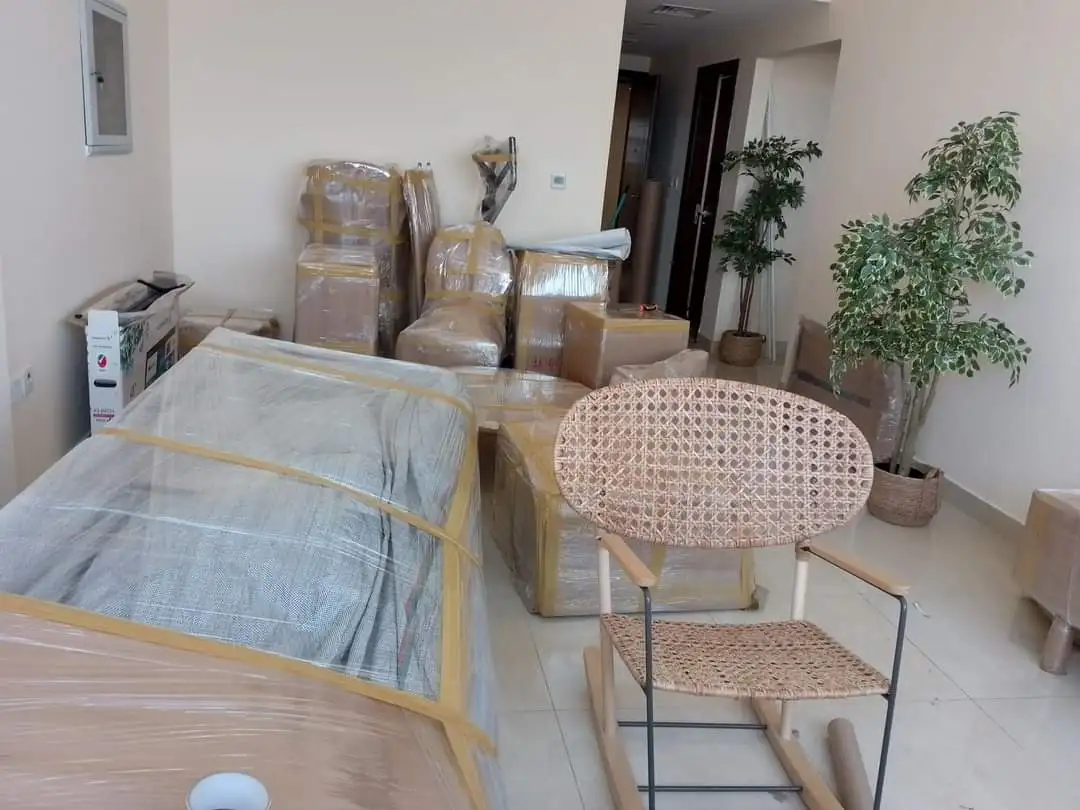
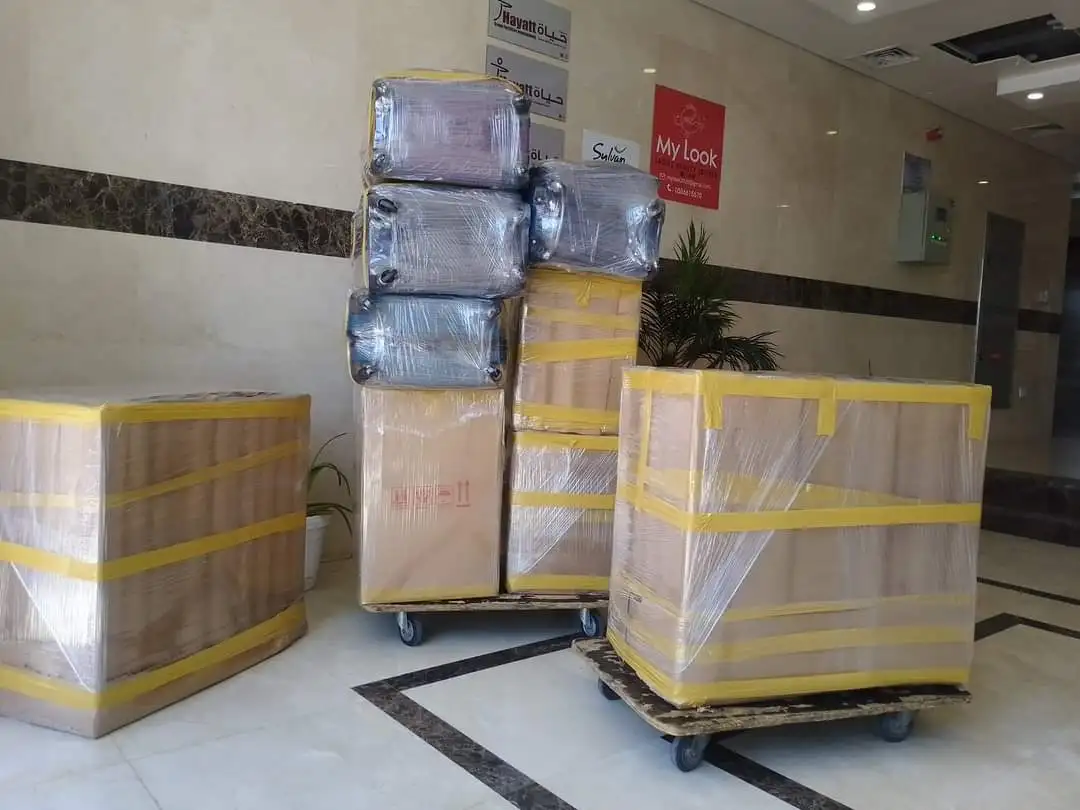
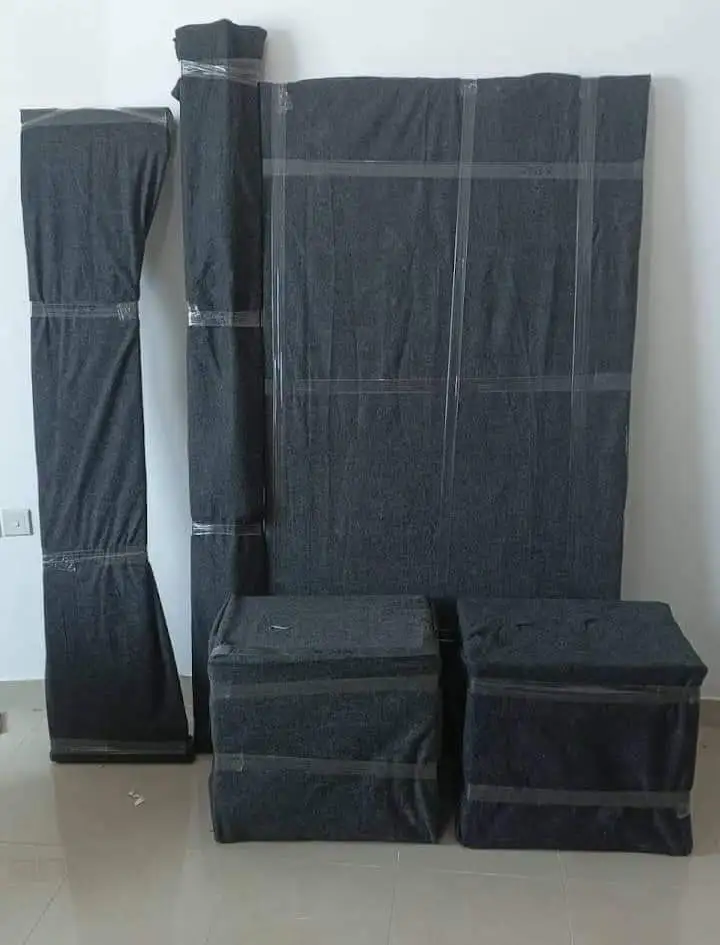
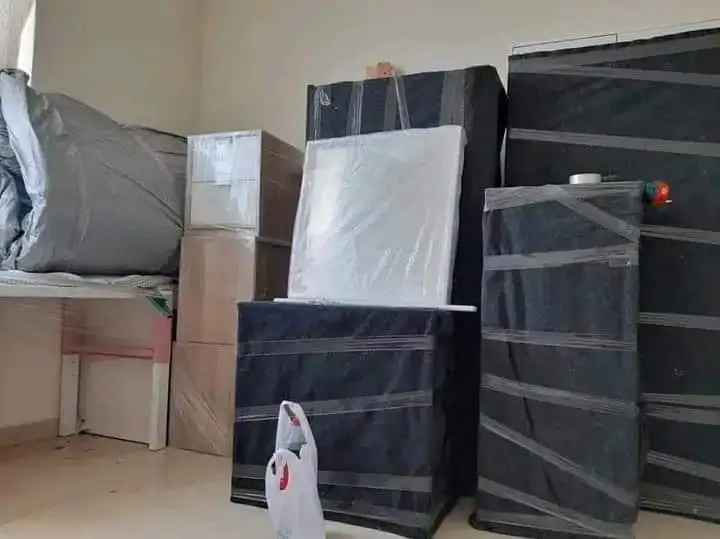
Our apartment moving teams handle the physical move of all devices. Smart speakers, hubs, and cameras are packed in anti-static wrapping with cables bundled and labelled. We've seen too many Sonos Play:5s arrive with cracked grilles because they were tossed in a box with books.
Protecting Your Smart Devices During Transit
Smart home devices are surprisingly fragile. Security cameras have delicate lens assemblies. Smart displays (Echo Show, Google Nest Hub) have screens that scratch easily. Robot vacuums have LIDAR sensors on top that don't survive being stacked under heavy boxes.
Our recommendation: pack smart devices in original boxes if you still have them. If not, each device gets individual bubble wrap and a dedicated small box. Never put heavy items on top of electronics boxes — mark them clearly. Our packing service includes specialized electronics handling at no extra charge.
Total cost for a smart-home-equipped apartment move: expect to add AED 300-500 over a standard apartment move for the additional packing time and care required. A small price compared to replacing a AED 2,000 robot vacuum or re-buying a full Hue lighting setup.
Request an estimate and mention your smart home setup — we'll include dedicated electronics packing in your quote.
Frequently Asked Questions
Do I need to factory reset smart devices before moving?
Not all of them. Cloud-connected devices (Alexa, Google Home, Sonos) keep their settings and just need WiFi reconnection. Zigbee and Z-Wave devices may need re-pairing with their hub. Smart locks should be factory reset and deregistered from the old property for security reasons. Always back up automation configurations before moving.
Will my smart home automations work at the new apartment?
Cloud-based automations (Alexa Routines, Google Home routines, Apple HomeKit scenes) survive the move if the same devices reconnect. Local automations on hubs like Home Assistant need a configuration backup and restore. Expect 24-48 hours for Zigbee mesh networks to fully rebuild in the new space.
How much does a smart home technician cost in Dubai?
Smart home setup and relocation services in Dubai range from AED 500 for a basic reconfiguration (under 15 devices) to AED 1,500+ for complex setups with 30+ devices, custom automations, and multi-zone audio. Companies like Smartec, Zyonz, and MySmartHome offer relocation-specific packages. Book them for the same day as your move.